One athlete'sevent day.

Follow one competitor from registration to her score on the arena board, in the order it happens.

01 · Weeks before

Register

She picks her divisions, signs the waiver and pays with Stripe or PayPal. A secure edit link lets her switch events later.

Live

The Wusora competitor site with the headline Every form. Every ring. One home., and buttons to find or host a competition
The competitor site today.
02 · Front door

Check in

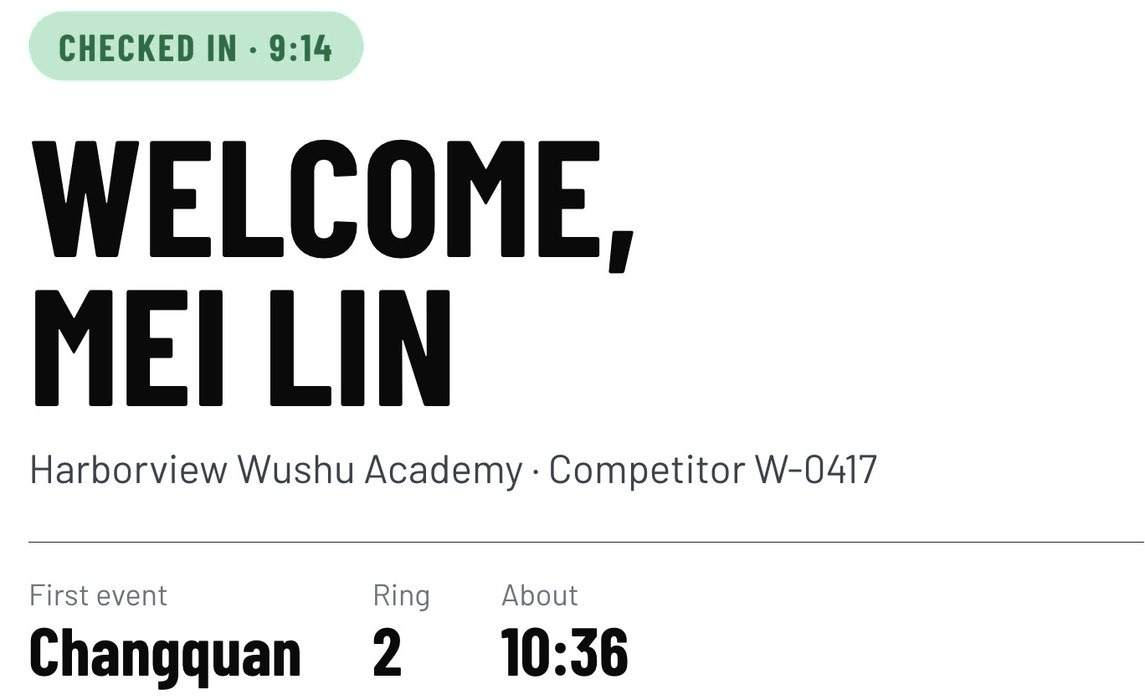
Staff scan her QR code or look her up by name, and a screen facing the line lists what to pick up.

Live
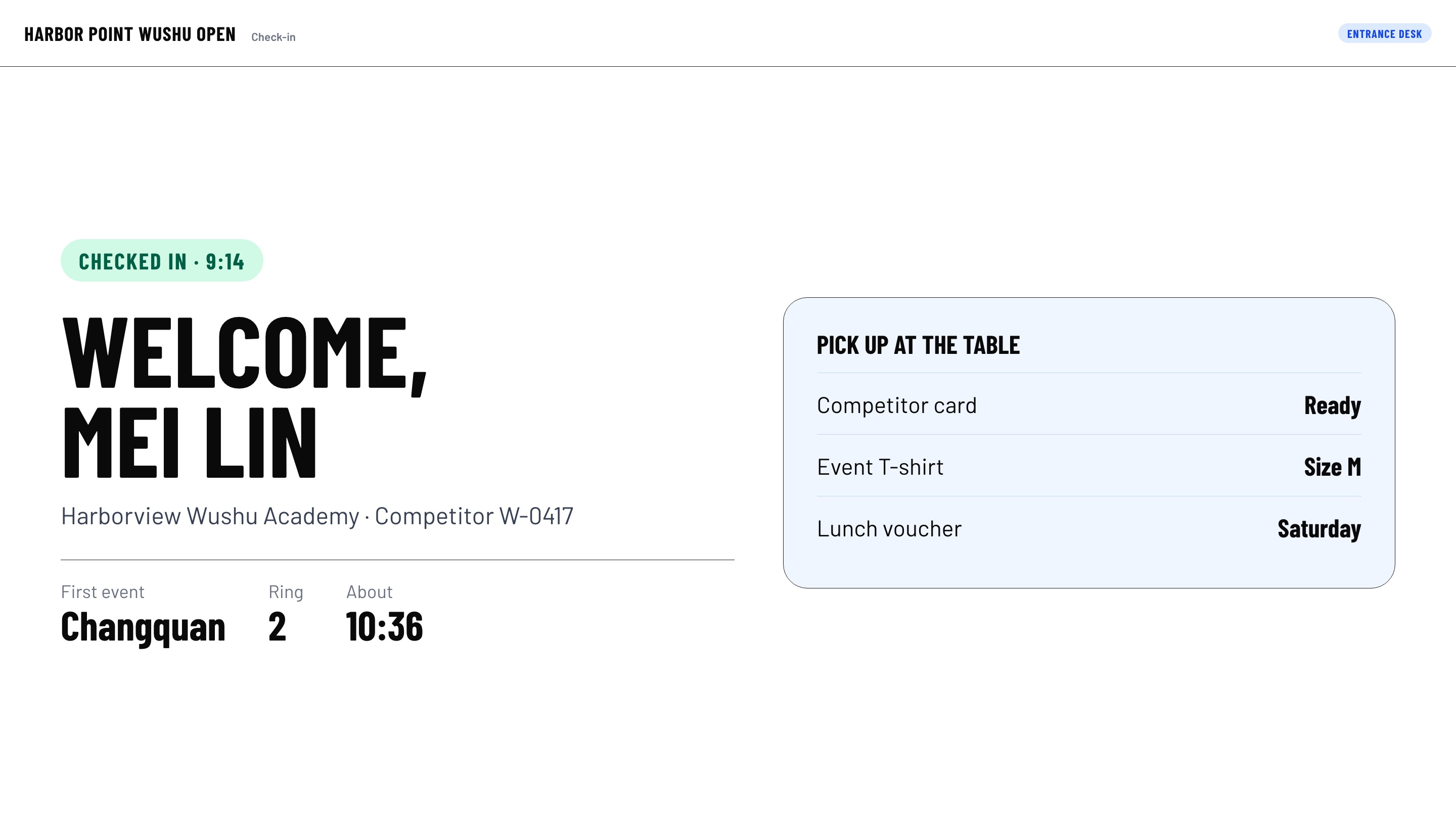
A check-in screen facing the line: Welcome, Mei Lin, with her first event, ring and what to pick up
Mockup with demo data. The screen is live.
03 · Every ring

On deck

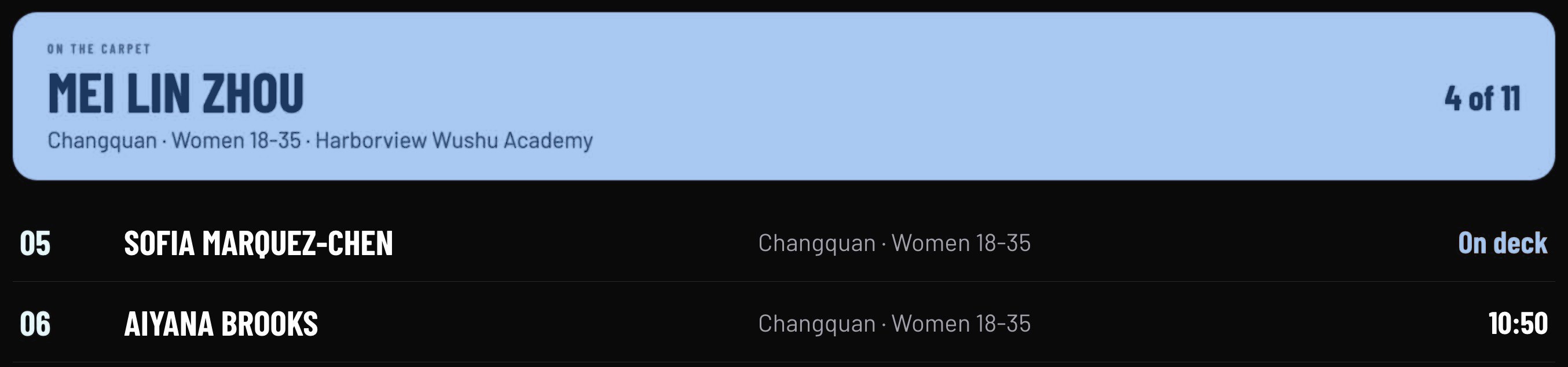
Wusora builds each ring's running order from check-in. Any TV in the gym shows who is on the carpet and roughly when she's up.

Live
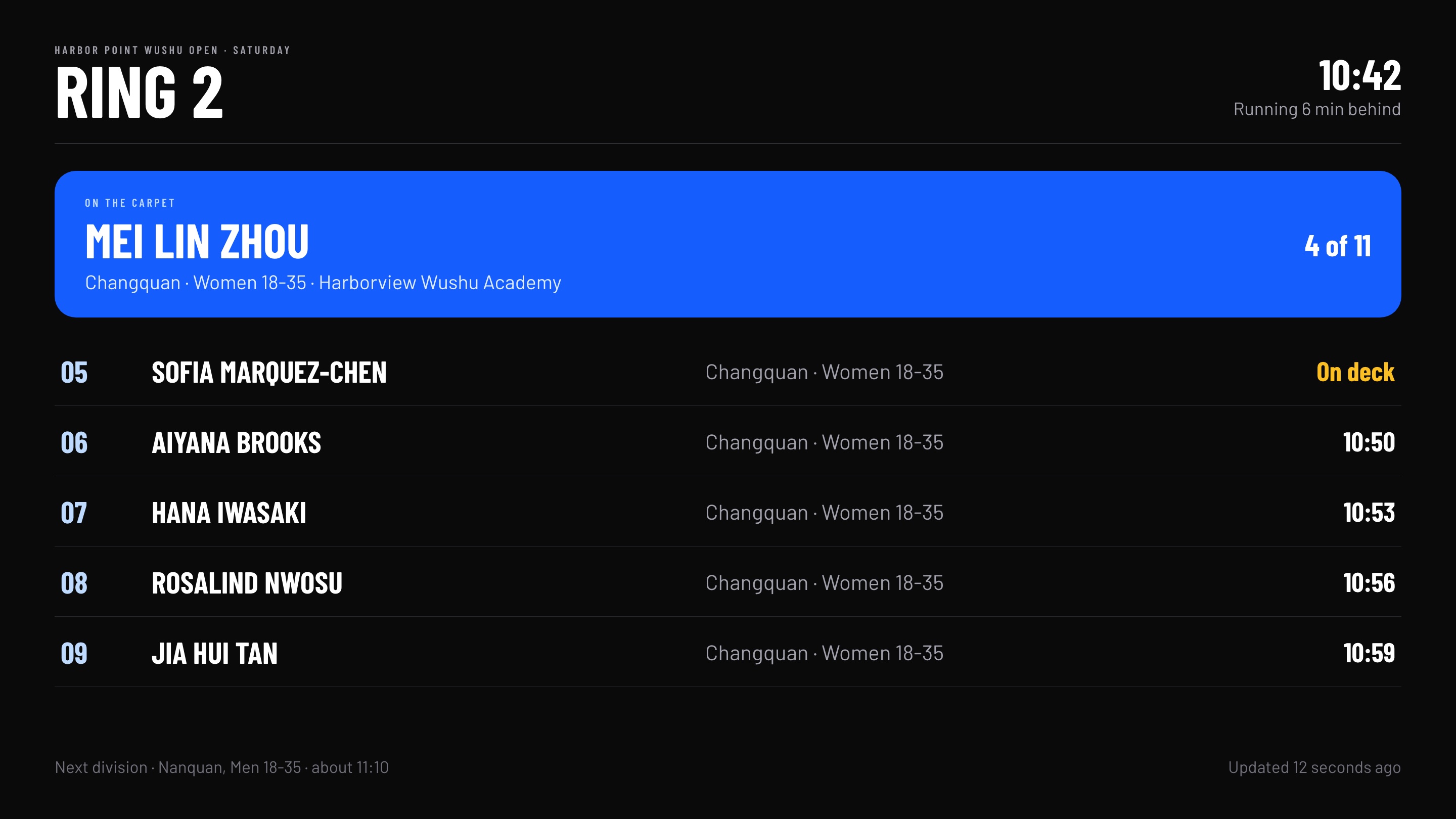
A ring schedule TV showing the athlete on the carpet, who is on deck, and estimated times
Mockup with demo data. The board is live.
04 · On the carpet

In the ring

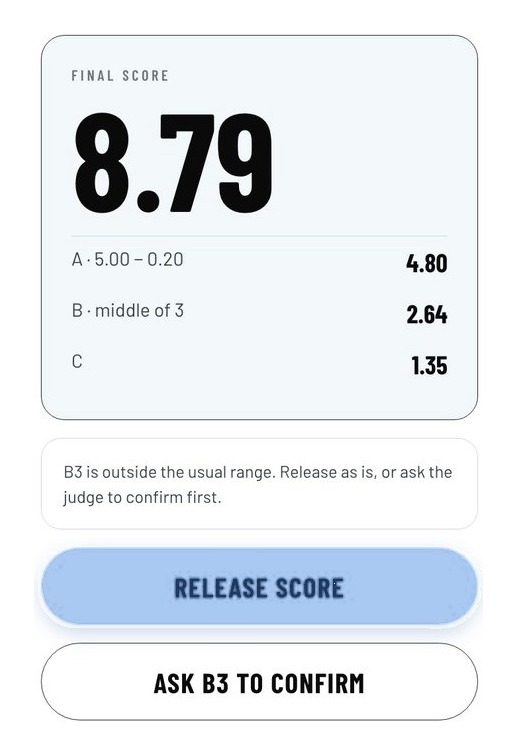
Judges will score IWUF 2024 A, B and C on tablets. An outlier score will be flagged so the head judge can check it before release.

Building
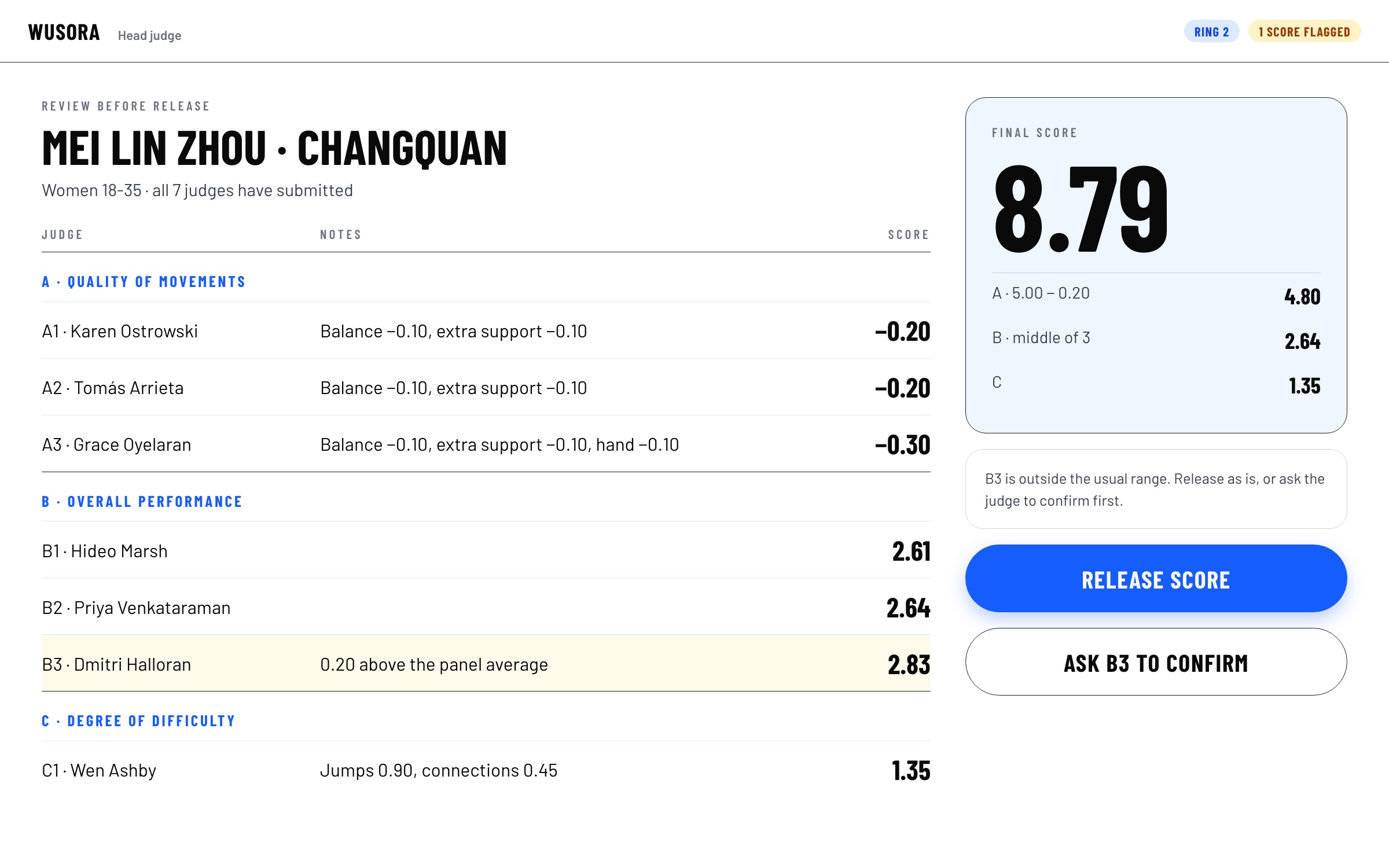
Head judge review screen with seven judges' scores, one flagged, and a Release score button
Mockup with demo data. Scoring app in development.
05 · Arena screen

Results

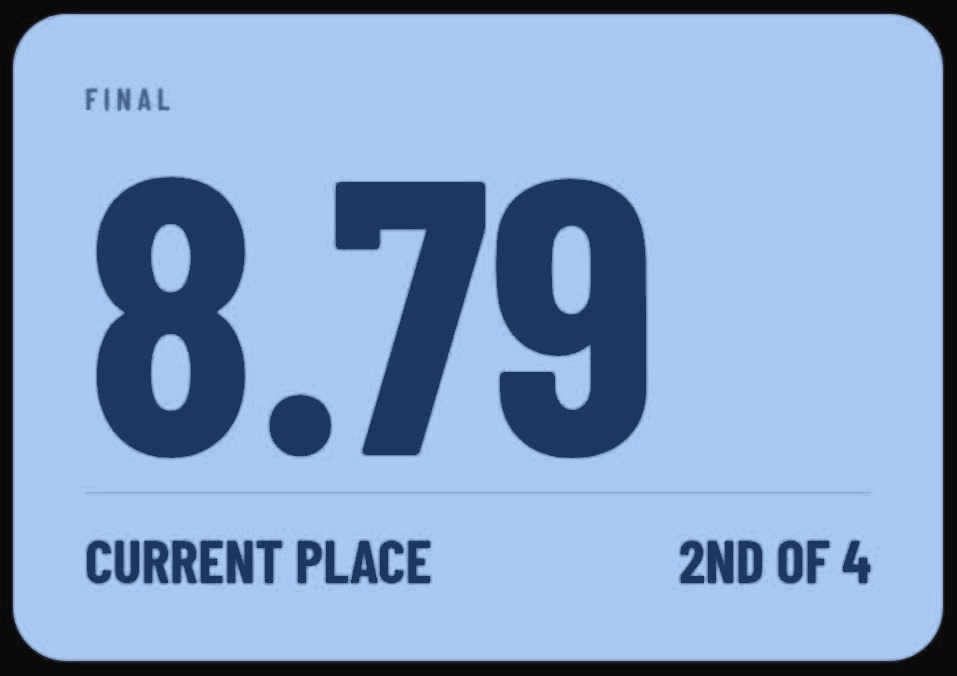
Once released, her score will appear on the arena display and on her parents' phones.

Building
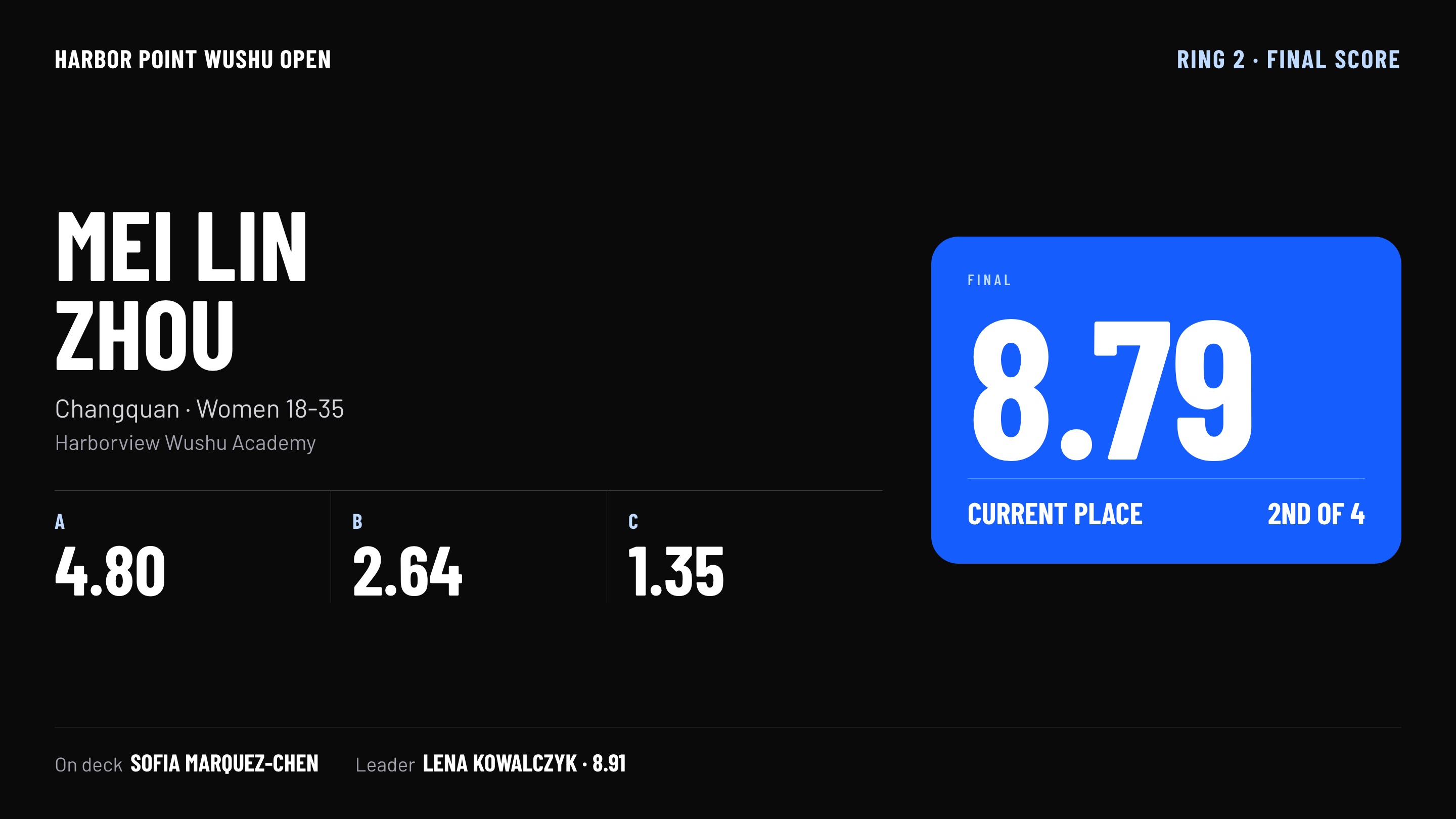
Arena board showing a final score of 8.79 with A, B and C components and current place
Mockup with demo data.

The small screens that run a ring.

Each ring uses a judge keypad, a head judge panel, a board by the carpet and a greeting screen at the door.
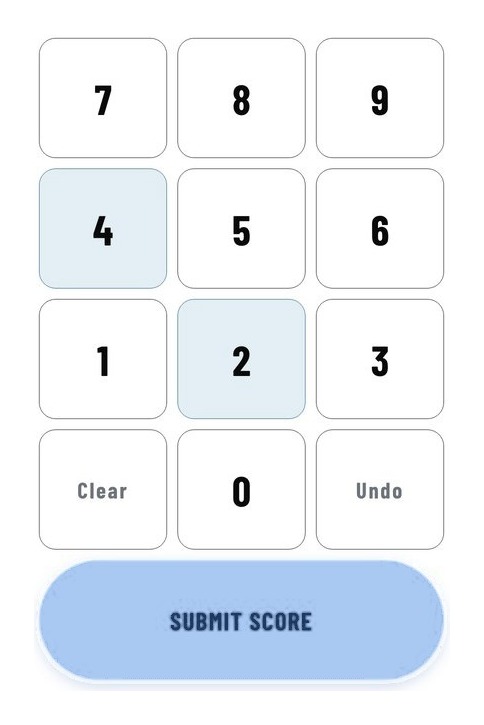

Judge keypad with a Submit score button
Judge keypadBuilding
Three B scores with one flagged as 0.20 above the panel average
Outlier flagBuilding
Head judge panel with a final score of 8.79 and a Release score button
Release scoreBuilding
Arena board tile showing a final of 8.79, current place 2nd of 4
Final scoreBuilding
Ring board rows: the athlete on the carpet and who is on deck
On deckLive
Check-in welcome screen: Welcome, Mei Lin, first event Changquan in ring 2
Welcome screenLive
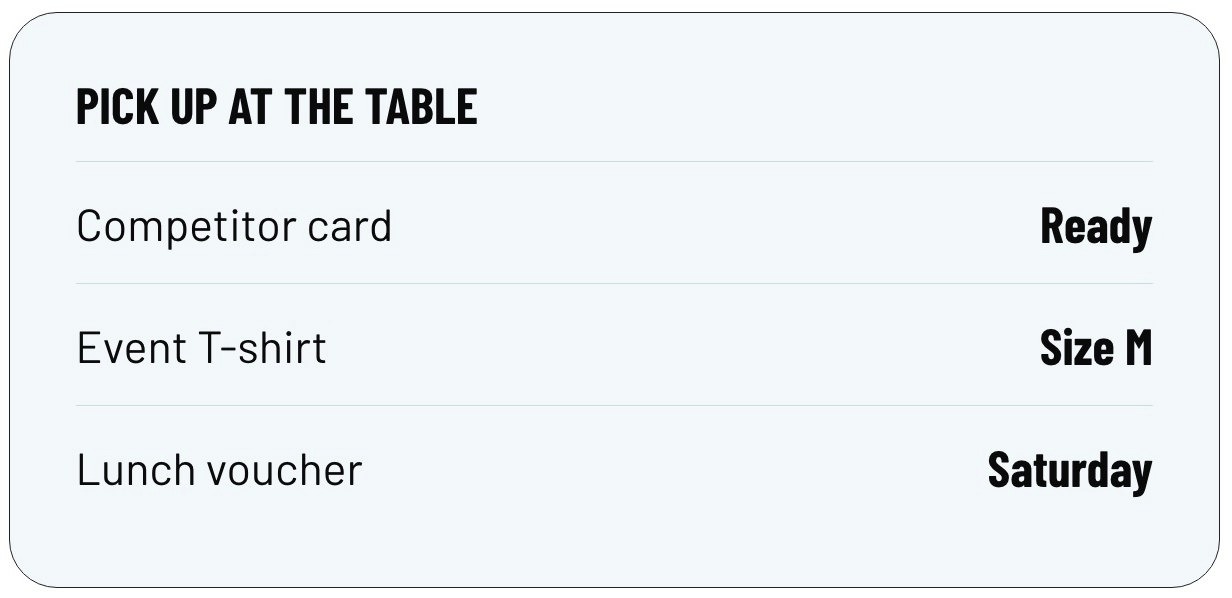
Pick up at the table: competitor card, event T-shirt, lunch voucher
Pick-up listLive
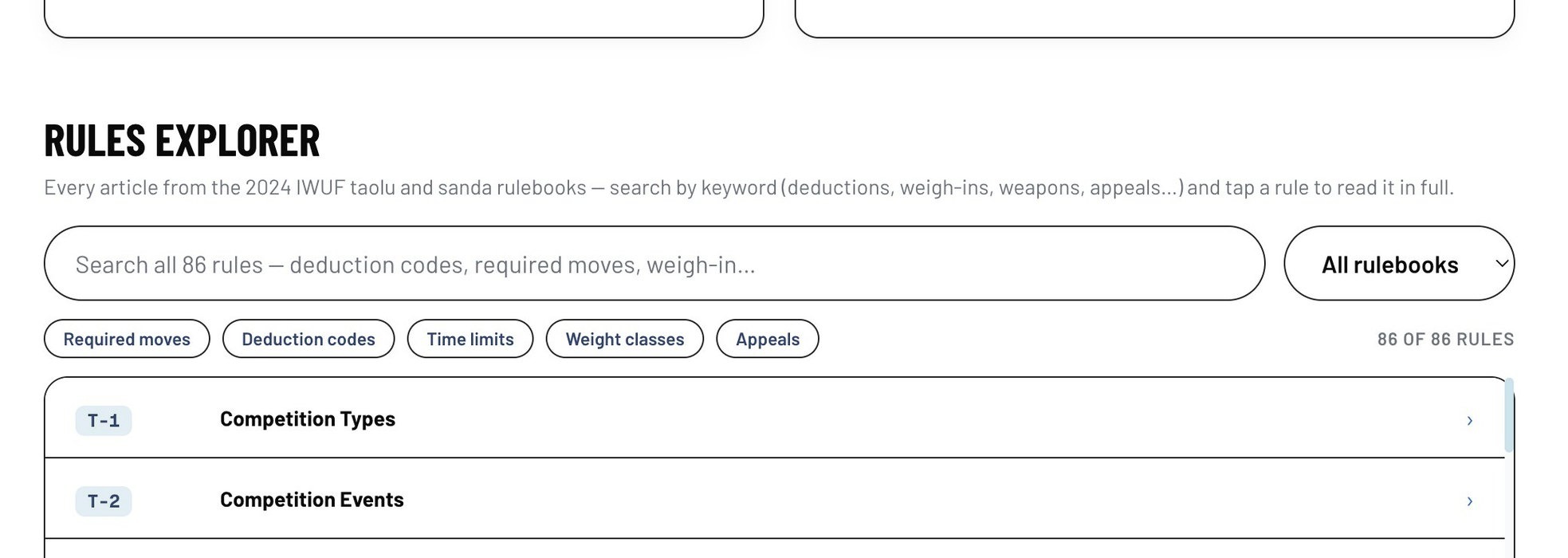
Rules explorer search box with filters for deduction codes and time limits
Rules lookupLive

Crops are from mockups with demo data. The rules lookup is from the live site.

Bring your next tournament off paper.

Send your competition date and phone number, and we'll call to walk through your event.

Contact us